
US Instagram Account Warm-Up: Manager Steps That Work

January 13, 2026

A brand-new Instagram account can look “ready” in five minutes, but Instagram’s systems rarely treat it that way. New accounts, especially ones intended to reach a U.S. audience, get evaluated for trust: consistency of login signals, realistic behavior, and whether early activity looks like a real person (not a farm, bot, or churn-and-burn marketer).

If you’re aiming to work as a TokPortal manager, this is the type of operational detail clients and platforms care about. A clean warm-up process reduces the chance of action blocks, reach suppression, or sudden verification prompts that slow down publishing.

What “US Instagram account warm-up” actually means

Warm-up is not a hack. It’s a controlled ramp-up of:

  • Identity signals (email, phone, device, recovery options)
  • Behavior signals (browsing, following, commenting, posting cadence)
  • Consistency signals (same device, stable login pattern, stable geography signals)

Your goal is simple: make the account behave like a real U.S. creator or brand account that is gradually becoming active.

Important: Always stay inside Instagram’s rules. Avoid automation, buying followers, or mass actions. If you manage accounts for others, get explicit permission and use proper access methods.

Before you touch the account: set up the “identity bundle” correctly

Most warm-up failures happen before the first post, because the account starts with weak recovery and messy ownership.

Secure the account from day 0

Do this immediately after creation:

  • Add a recovery email you control (and that will remain stable long-term).
  • Add a phone number if requested, and keep it consistent.
  • Enable two-factor authentication (2FA). Instagram supports 2FA options through the Accounts Center.
  • Store credentials safely (a password manager, not a shared spreadsheet).

Meta is explicit that account integrity and security matter, and they provide tools like Account Status and security settings to help you monitor issues. Start here: Instagram Account Status and Instagram security tips.

Decide how the account will be accessed (this matters more than people think)

If multiple people will touch the account, avoid chaotic logins. The riskiest pattern is “3 different countries, 5 devices, 10 logins” in the first week.

Safer operational patterns include:

  • One dedicated device for the account (best for stability).
  • One primary operator during the warm-up window.
  • Consistent login times instead of random bursts.

If the account is for a business, consider using Meta’s business tools for proper role-based access rather than passing passwords around. Meta Business Suite is the starting point: Meta Business Suite.
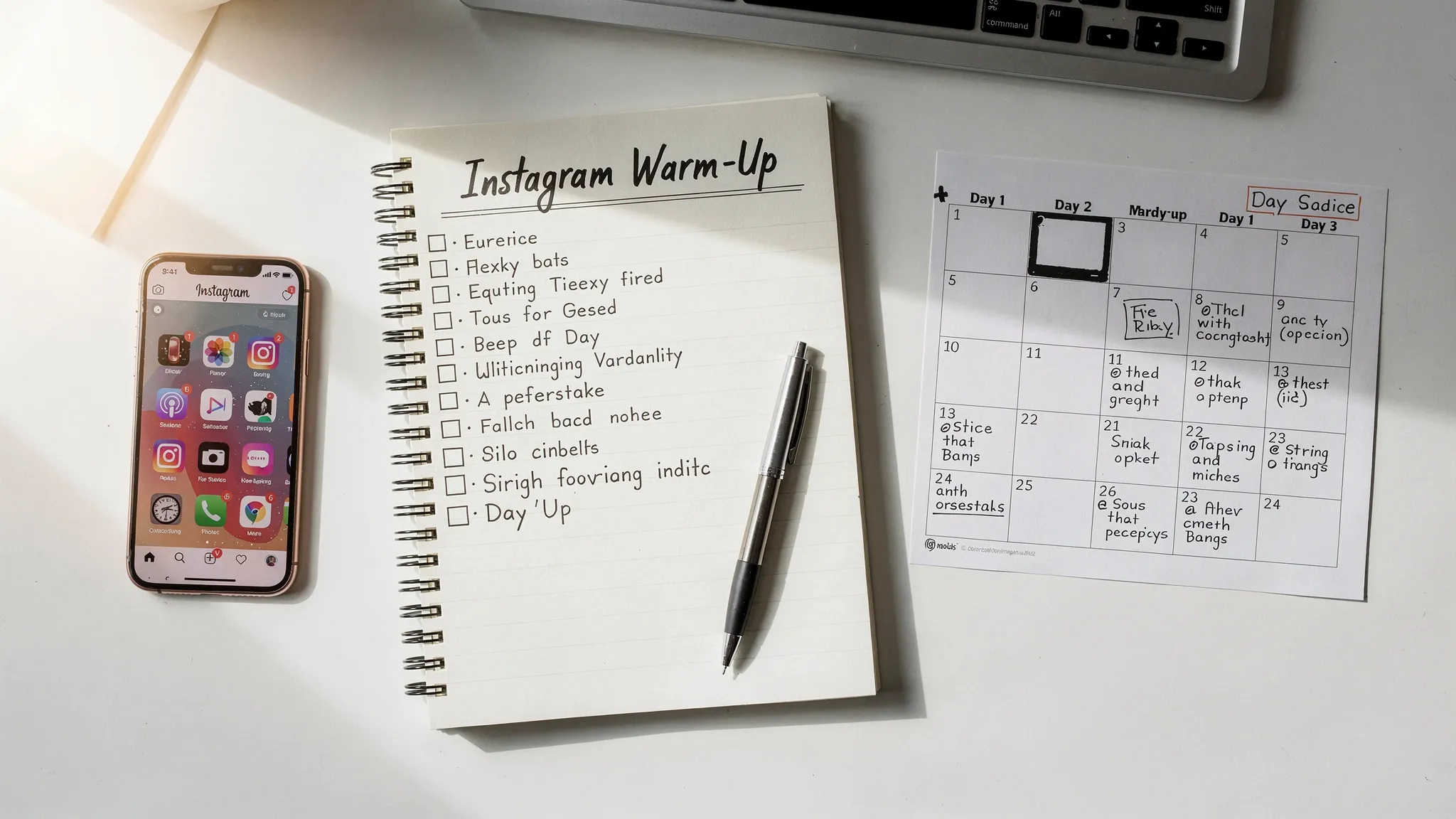
A social media manager workspace with a smartphone, a notebook checklist labeled “Instagram Warm-Up”, and a calendar page showing a 14-day ramp-up plan.

The trust signals Instagram tends to reward (and the ones it flags)

You don’t need to guess what “looks real.” Most new-account restrictions come from a handful of patterns.

Signals that usually help

  • Profile completeness (photo, bio, category, at least a few posts over time)
  • Human browsing (watching Reels, exploring hashtags, tapping profiles)
  • Natural engagement (a few thoughtful comments, saves, replies)
  • Gradual posting cadence (not 10 Reels on day 1)
  • Stable access (same device, stable login location patterns)

Signals that often trigger friction

  • Mass following/unfollowing early
  • Copy-paste comments across many accounts
  • Aggressive outbound linking immediately (especially repetitive CTA links)
  • Device hopping (multiple phones, emulators, constant resets)
  • Fast behavior spikes (0 activity, then 300 actions in 20 minutes)

Manager steps that work: a practical warm-up workflow

This is a manager-oriented process you can follow without fancy tools.

Step 1: Build a believable U.S. profile in 10 minutes

Even if you’re remote, the account should look coherent for a U.S. audience.

  • Use a clear profile photo (brand logo or creator headshot).
  • Write a simple bio in natural American English.
  • Pick the right category (Creator, Product/Service, etc.).
  • Add a location if it’s a local brand (do not fake addresses, keep it general if needed).

Avoid overly optimized bios on day 0 (for example, heavy emoji stacks, 10 claims, and multiple links). You can refine later.

Step 2: Start with “silent activity” before heavy engagement

For the first 24 to 72 hours, behave like a real person setting up an account.

  • Spend 10 to 20 minutes browsing Reels in the niche.
  • Follow a small handful of relevant accounts.
  • Watch Stories, tap through profiles, save a couple posts.

This creates natural session behavior before you ask Instagram for reach.

Step 3: Keep early actions low volume and high quality

In the first week, quality beats quantity. You want actions that look intentional.

Good early actions:

  • 1 to 3 genuine comments per day (no templates)
  • A few likes spread across a session (not 50 in a minute)
  • 1 to 2 saves per day
  • A small number of follows (focus on niche relevance)

Bad early actions:

  • Follow 100 accounts to “seed” the account
  • Comment the same line everywhere
  • Join engagement pods

Step 4: Post low-risk content first (and avoid “sales blast” behavior)

If you post on day 1, keep it simple:

  • A Story introduction (“New here, sharing X”) is low risk.
  • One Reel is fine if it’s clean, original, and not spammy.
  • Avoid heavy claims, controversial topics, or aggressive CTAs early.

A common manager mistake is posting like a mature account from day 0 (daily hard-selling Reels with repeated hashtags and link prompts). That pattern is frequently associated with spam networks.

Step 5: Ramp content cadence gradually

Instead of jumping to “3 Reels/day,” use a ramp that mirrors real growth.

A realistic ramp example:

  • Week 1: 2 to 4 Reels total, plus Stories most days
  • Week 2: 3 to 5 Reels total
  • Week 3+: move toward the cadence you actually want to sustain

Consistency matters more than intensity.

Step 6: Align timing with U.S. consumption (without overthinking it)

For a US Instagram strategy, post when U.S. users are actually online. You do not need perfect timing, but you do want to avoid consistently posting at 3 a.m. U.S. time if your goal is early traction.

Operationally, many managers pick one window and stick to it:

  • Late afternoon to evening in Eastern or Central time
  • A second test window on weekends

The key warm-up idea is stable behavior. Choose a schedule you can maintain.

Step 7: Monitor account health like a manager, not a casual user

Warm-up is not complete just because you posted a few times. You need to watch for early warnings:

  • Account Status (content limitations, recommendation restrictions)
  • Action blocks (follow/like/comment limits)
  • Security prompts (suspicious login, confirmation loops)

Make a habit of checking Account Status during the first two weeks.

A simple 14-day warm-up plan (manager-friendly)

Use this as a baseline and adapt based on niche and risk tolerance.

Days 1 to 3: establish normal user behavior

  • Complete profile, enable 2FA, set recovery options.
  • Browse daily (short sessions).
  • Follow a small number of niche accounts.
  • Optional: 1 Story.

Days 4 to 7: introduce light publishing and real engagement

  • Post 1 Reel or 1 carousel (keep it clean and original).
  • Post Stories on most days.
  • Engage with a few posts using thoughtful comments.
  • Avoid any mass actions.

Days 8 to 14: increase consistency and test reach

  • Post 2 to 4 Reels across the week.
  • Keep Stories active.
  • Start experimenting with formats (hook styles, lengths, captions).
  • Begin light outreach (replying to comments, responding to DMs) if relevant.

If you see action blocks or repeated verification prompts, slow down for 48 hours rather than pushing harder.

Common warm-up mistakes (and what to do instead)

These are the issues that waste the most time for managers.

Mistake: changing locations constantly

Remote managers sometimes “bounce” between networks and devices. Even without doing anything malicious, this can look like credential sharing.

Do instead: keep access stable. If you must change locations, do it gradually and avoid multiple location changes in the same day.

Mistake: treating hashtags like a growth lever on day 1

Large hashtag blocks, repeated sets, or irrelevant tags can look spammy.

Do instead: use a small, relevant set, and vary naturally.

Mistake: posting only reposted or recycled content immediately

If the first content is heavily recycled (watermarks, repeated edits), the account can struggle to earn trust and distribution.

Do instead: publish original or cleanly repurposed content, remove watermarks, and keep early posts straightforward.

Mistake: scaling actions because “nothing happened yet”

Low reach early is normal. Overreacting often causes the first restriction.

Do instead: stay consistent for 10 to 14 days, then evaluate.

How this connects to being a TokPortal manager

TokPortal managers are trusted with operational execution: posting workflows, consistency, and platform hygiene. Even though TokPortal’s core product is about posting TikToks to reach authentic local audiences, strong managers usually understand cross-platform fundamentals like account trust, safe ramp-ups, and consistent daily operations.

If you can run a clean warm-up process for a US Instagram account, you can usually:

  • Follow SOPs without cutting corners
  • Keep accounts stable and secure
  • Avoid behavior that gets accounts flagged
  • Operate on schedules and document what you did

That is exactly what high-volume short-form operations require.

A practical “manager mindset” checklist for warm-ups

Use this to keep yourself disciplined:

  • Stability first: fewer devices, fewer logins, fewer sudden spikes.
  • Quality actions: thoughtful comments and real browsing beat mass activity.
  • Gradual scale: increase posting and engagement over weeks, not hours.
  • Track issues: note verification prompts, action blocks, and reach drops.
  • Security always: 2FA, password manager, and minimal credential sharing.

If you’re interested in working remotely as a TokPortal manager and helping run real, organic short-form operations, learn more about TokPortal here: TokPortal.

Step Through the 🌀 Portal to Global Reach

Create Local TikTok Account(s)
and Start Posting Videos

Upload TikToks
Real device - No VPN - Reusable account - Email support 7/7
Any question? Contact us.
x
View Countries