


Sign in with Google
TikTok posting “rules” are usually written for creators who manage one account in one timezone. TokPortal managers work differently: you publish on local accounts across markets, and your main advantage is operational consistency. The right posting windows are only useful if your workflow makes it easy to hit them every single day.
This guide gives you a practical, manager-friendly answer to times to post on TikTok, plus a reusable schedule template you can run like a shift.
The goal is not to find one magical hour. The goal is to post when your target viewers are most likely to:
TikTok itself emphasizes using your account analytics to see when followers are active and to adjust publishing accordingly. That is why a manager’s job is half publishing and half measurement. (See TikTok’s guidance on analytics in the TikTok Business Help Center.)
TokPortal is built for posting organically from local TikTok accounts in specific countries, so content can land on real local For You Pages. That makes the concept of “posting time” literal: you are optimizing for local time, not your personal timezone.
A common manager mistake (in any multi-country operation) is hitting the right time “for me,” but the wrong time for the audience. The fix is a simple operating rhythm: plan, schedule, publish, and monitor inside predictable local windows.
If you want a deeper explanation of why local presence affects distribution, TokPortal’s localization breakdown is worth reading: Why TikTok Localization Is Essential for International Growth.
If you are starting a new local account (or inheriting one without clean reporting), begin with human behavior patterns that repeat across most markets:
You do not need to post in all three. For a lot of accounts, one high-quality post in the evening window beats three rushed posts.
This gives you signal without burning out, and it keeps scheduling simple across a portfolio of accounts.
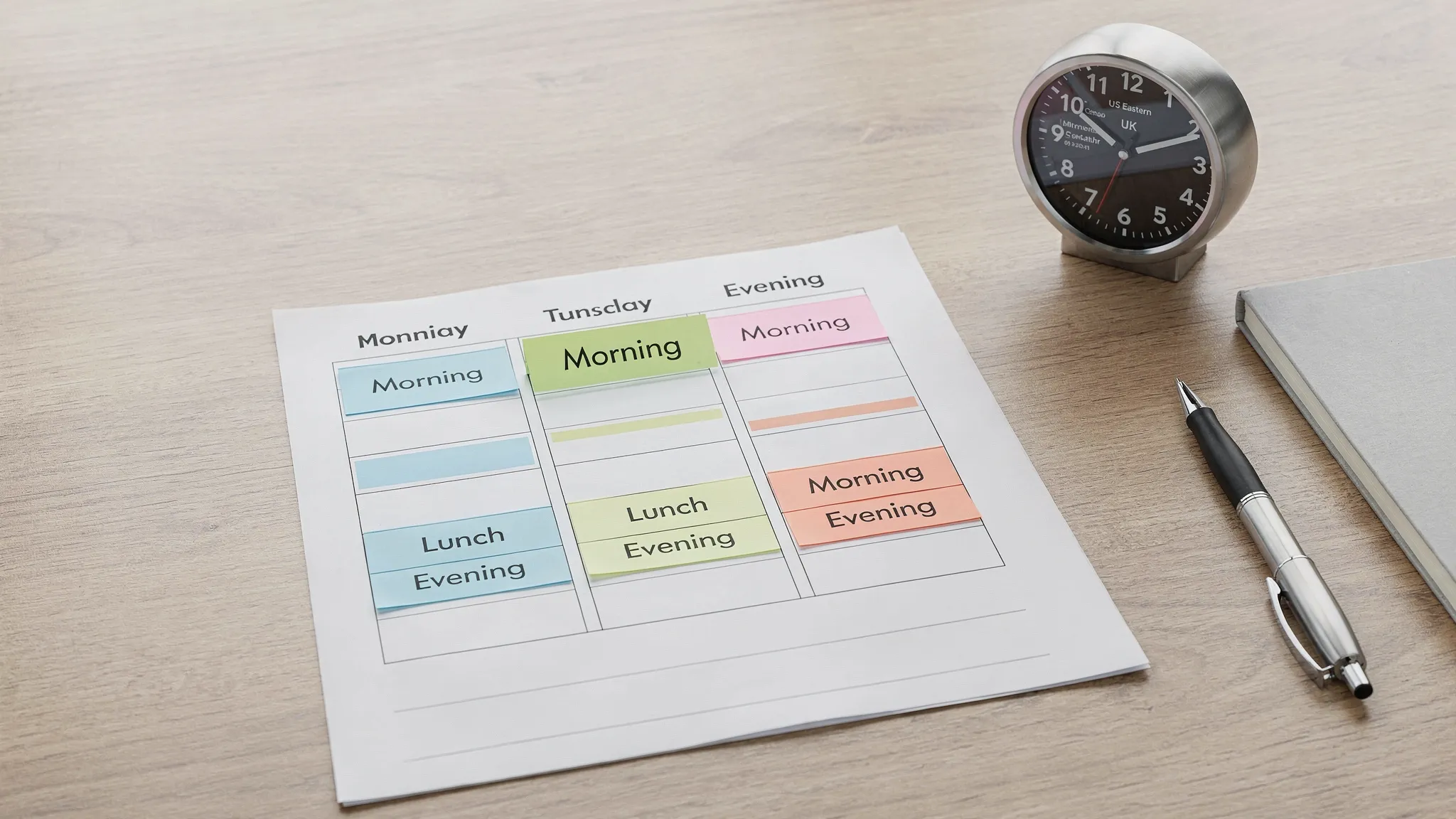
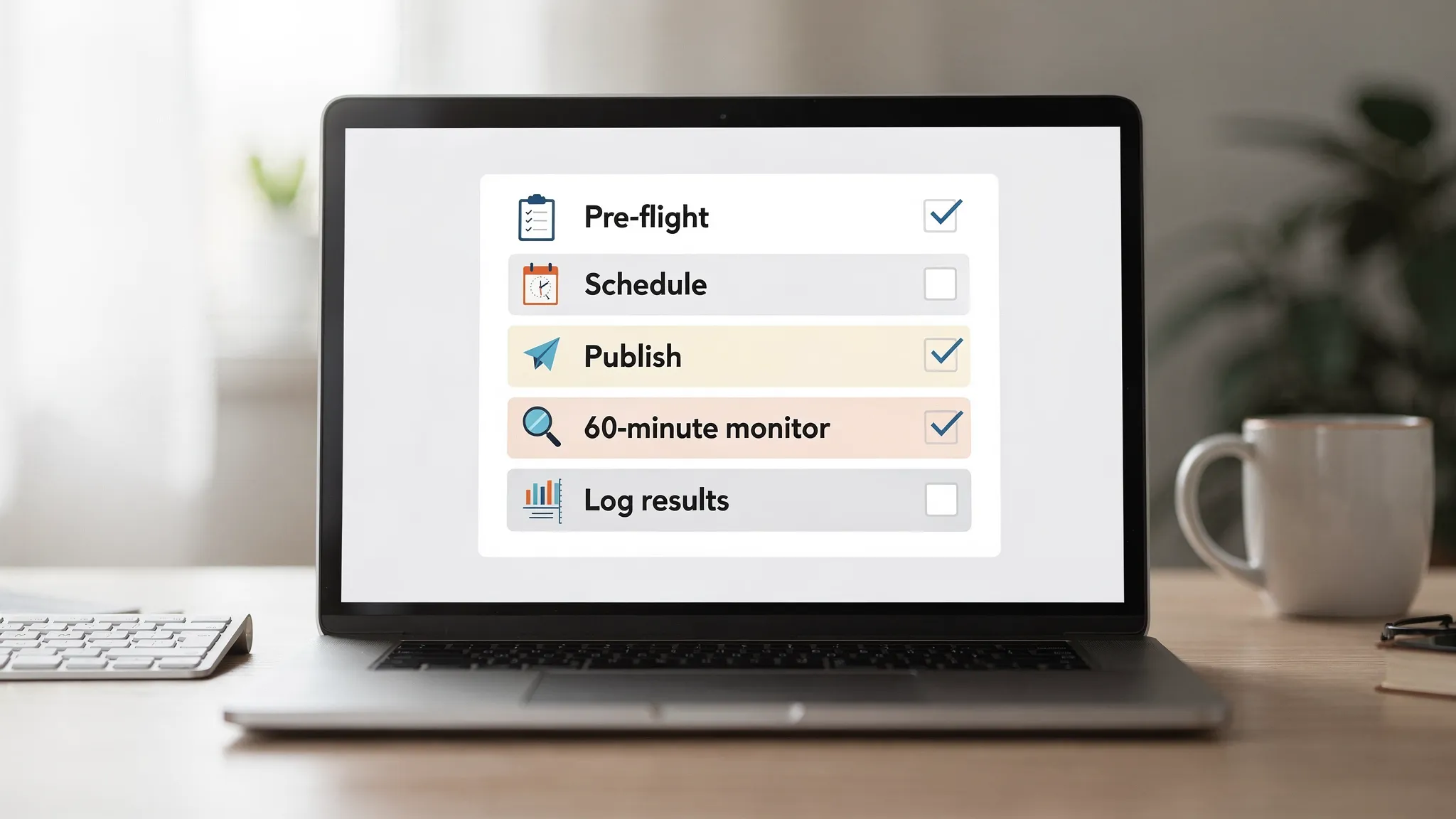
The best posting times are useless if you are scrambling for files, captions, or approvals at the last minute. Use this daily template to make your posting windows easy to hit.
Do this before every post, especially if you manage multiple local accounts.
Managers should prefer scheduling when possible, because it reduces human error. With TokPortal, you can upload and schedule posts while keeping account access organized and secure.
A clean operating rule:
For most posts, your job is not to stare at the screen all day. It is to watch the first hour and record what happened.
Check:
If the account strategy allows it, respond to a few comments quickly. Early conversation can help momentum, and it also gives you qualitative feedback to report.
Managers who keep clean notes become invaluable because they can scale what works.
Log:
Below are manager-friendly blocks you can copy into your calendar. These are not “guaranteed best times,” they are reliable starting points that map to real audience behavior.
If you only choose one: pick evening.
UK audiences often engage strongly in the early evening, especially on weekdays.
For many EU accounts, late evening can work well, but you still want to test (especially by niche).
Instead of thinking “What time should I post today?”, think “What does my week look like operationally?”
Here is a simple weekly rhythm that stays consistent across markets:
Review last week’s posts and pick one focus:
If you post Fridays, consider earlier evening. Then prep files and captions for the weekend.
Weekends often reward entertainment, storytelling, and series content. If you have only one post to place, Saturday evening is a common starting bet.
You do not need a complicated model. Use one simple question:
When does this audience have a reason to open TikTok?
Examples:
Then validate with analytics.
TokPortal managers who want to level up fast should also use TikTok’s own trend research tools like the TikTok Creative Center to see what is popping in each market.
If you manage multiple countries, always write times as “7:30 PM UK” or “8:00 PM ET,” not just “7:30.” It prevents expensive mistakes.
Posting several videos back-to-back can cannibalize performance (and makes analysis messy). Space posts out unless you are intentionally testing a burst.
DST changes can shift your posting window relative to audience routines. Create a recurring reminder to audit schedules when clocks change.
A posting time is good if it produces consistent early traction for that account.
Track simple indicators:
If two different windows perform similarly, choose the one that is easiest to execute consistently. Operational reliability is a real growth advantage.
What are the best times to post on TikTok? There is no universal best time, but strong starting windows are typically morning commute (7:00–9:00), lunch (11:00–13:00), and evening (18:00–22:00) in the audience’s local timezone. The best approach is to start with one consistent window (often evening) and refine using TikTok analytics.
How many times per day should a manager post on TikTok? For most managed accounts, consistency beats volume. A practical baseline is 3 to 5 posts per week per account, then increase only when the workflow is stable and performance data shows the content system can support higher volume.
Should I schedule TikTok posts or post manually? Scheduling is usually better for managers because it reduces errors and helps you hit local windows reliably. Post manually when content arrives last-minute or when the strategy requires real-time responsiveness to trends.
Do posting times matter if the content is great? Yes, but they matter less than retention and engagement. Great content can win in many windows, but posting when the audience is active increases the size of the initial test pool, which can help strong content take off faster.
If you like structured work, local-market detail, and running repeatable publishing systems, being a TokPortal manager can be a strong fit. TokPortal managers help operate local TikTok accounts by publishing on schedule, keeping content organized, and tracking performance so the platform can scale what works.
Learn more about TokPortal at TokPortal.com and reach out through the website if you want to be considered for manager opportunities.


 Any question? Contact us.



%401x.svg)