


Sign in with Google
Millions of marketers open TikTok on their phones every day, but far fewer ever log in from a laptop. That blind spot matters. The desktop website and the mobile app send different engagement signals, unlock different features, and therefore demand different growth tactics. Understanding how each surface works is now a competitive advantage—especially if you plan to scale across multiple countries.
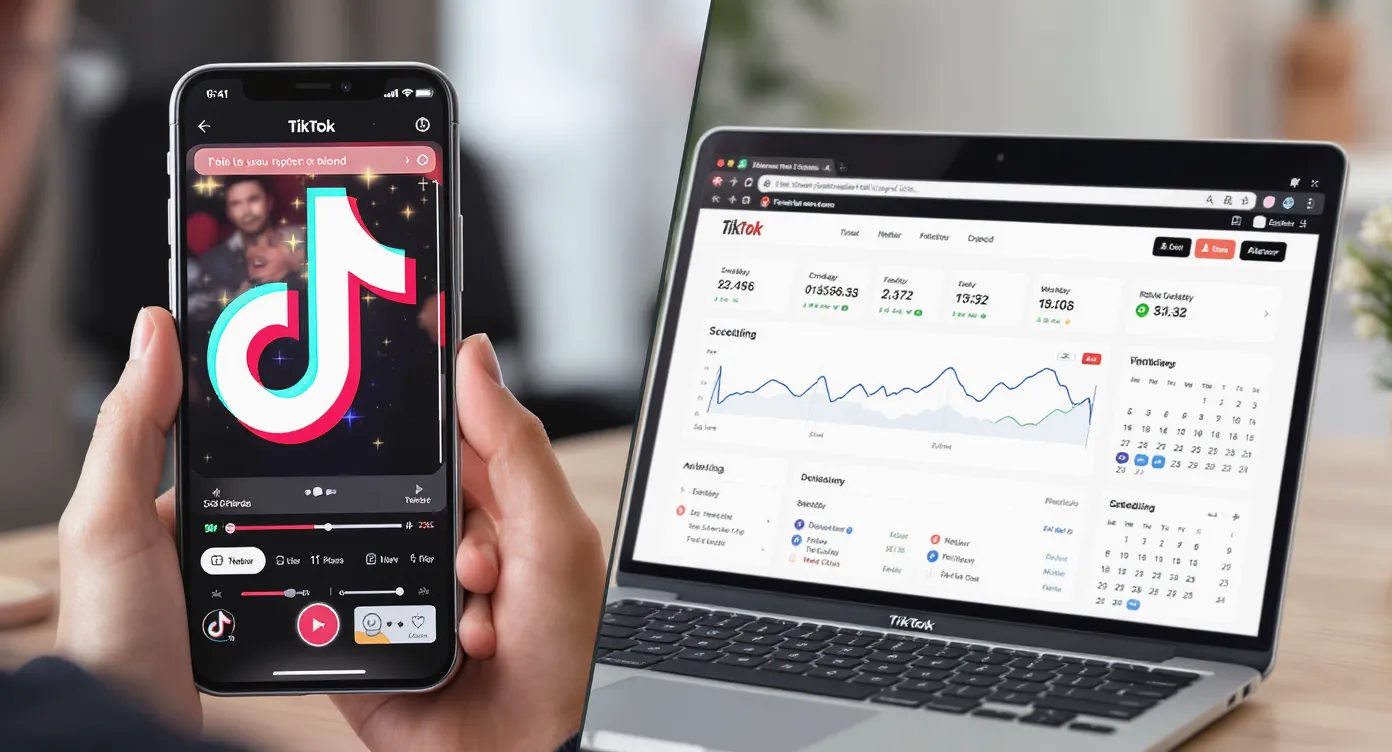
TikTok prioritizes mobile because short-form video consumption is a thumb-scroll habit. The web version exists mainly for search discovery, social sharing, and creator workflow. Over time, the feature gap has narrowed, yet key distinctions remain that influence reach:
- The app collects richer device-level data (sensors, SIM, GPS, contacts) that feed the recommendation engine.
- The website leans into longer watch sessions on larger screens, which pushes TikTok to test mini-player and autoplay tweaks that differ from the app.
- Certain creator tools—LIVE Events setup, CapCut-style filters, Stories—are still app-first.
When you post from one surface or the other, you signal different intent and context to the algorithm. That is why growth moves should diverge too.
1. Rapid-fire trend hijacking.
- The app surfaces trending sounds and effects minutes after they break. Save the sound, film, and publish before desktop users even notice.
2. Geo-anchored hooks.
- Because the mobile version reports precise location metadata, the algorithm can slot you into local test pools faster. Pair city hashtags with on-screen references and you often see a first-hour view spike.
3. Native effect storytelling.
- Green Screen, Beauty, and AI Portrait filters load only on mobile. They not only raise retention but also add “feature-usage” points that TikTok claims improve distribution.
4. LIVE + Story loops.
- App users get push notifications for LIVE sessions and can tap through 24-hour Stories. These quick-hit formats drive follow growth at a lower production cost.
If you run multiple localized accounts, user-generated clips filmed inside the target country (or with that locale’s SIM card) still outperform ported edits. That’s why our guide on USA vs. UK TikTok Accounts recommends keeping at least one native phone per market—even when you later coordinate everything through TokPortal.
1. High-fidelity uploads
- Desktop upload preserves full-bit-rate 1080p and 4K files. If crisp visuals matter (beauty, automotive, gaming), publish from web.
2. Long-form captions and SEO
- Typing 2,200-character captions with keyboard shortcuts is painless on desktop. Savvy brands weave in keyword variations and multilingual hashtags, a trick covered in How to Repurpose One Video for 5 Local Markets.
3. Batch scheduling
- TikTok’s native scheduler appears only on web. Schedule up to ten draft posts 10 days out—or lift the limit entirely with TokPortal.
4. Side-by-side analytics
- Desktop lets you open multiple tabs and drill into content, follower, and LIVE analytics simultaneously. You can spot patterns faster, then feed insights into your next creative sprint.
5. Multi-account login islands
- While the app forces clunky account switching, browser profiles isolate cookies, making it easier to operate multiple regions without triggering spam flags. TokPortal automates this principle at scale.
TikTok’s patent filings and reverse-engineering leaks reveal three buckets of ranking signals.
1. Device & context signals (GPS, device model, carrier)
2. Interaction signals (watch time, rewatches, shares)
3. Content signals (audio, captions, visual objects)
The website supplies fewer device signals, so TikTok leans more heavily on interaction and content clues to decide whether a web-posted video should enter a given geographic test group. That means:
- Solid hooks and retention matter even more for desktop uploads.
- Strategic use of local captions, subtitles, and trending audio becomes a key proxy for location intent.
- If you need guaranteed local seeding—say, when launching in France—posting from a French SIM device or via a SIM-verified TokPortal account is the safer bet.
Dive deeper into geolocation mechanics in VPNs vs. TokPortal: Which Method Actually Works for Global TikTok Growth?.
The most resilient teams now combine both surfaces:
- Film natively on mobile to capture trends fast.
- Transfer raws to desktop for high-touch edits, multilingual captions, and scheduling.
- Distribute through TokPortal to spin up real local accounts in priority markets.
- Analyze in desktop Creator Center; pivot creative hooks back to mobile shooters within 24 hours.
This loop lets you exploit each surface’s strengths while insulating you from future policy shifts—like the looming U.S. divestiture deadline discussed in our piece Is TikTok Really Getting Banned in the U.S. in September?.
TokPortal extends the website’s workflow advantages and patches its weaknesses:
- Create SIM-verified accounts in 40+ countries without mailing phones around.
- Bulk upload and schedule videos across every account from one dashboard—no 10-post limit.
- Device fingerprint isolation keeps each login clean while maintaining full account ownership.
- Integrated AI dubbing and clip-splitting tools cut localization time (see How to Use AI Dubbing to Instantly Localize Your TikToks in 7 Languages).
Result: you get the precision geotargeting of mobile posts with the scale and efficiency of desktop workflows.
- Map which team members need mobile access (trend spotting, filming) versus desktop (editing, analytics).
- Decide which markets require native SIM footprints. Provision those through TokPortal early.
- For every video, log: device posted, surface (web/app), initial test country, and 24-hour metrics. Patterns emerge quickly.
- Prioritize web scheduling to maintain posting cadence, then use app for spontaneous reactive content.
- Review Creator Center weekly on desktop, not the mobile dashboard, to catch granular retention drops.
Can posting exclusively from desktop hurt my reach? Not inherently. Great watch time still wins, but you lose device-level geo signals that help the algorithm find the right local audience fast.
Does TikTok watermark posts differently depending on surface? No, the visible watermark is identical. However, the metadata includes an upload-source field that TikTok may use internally.
Is LIVE streaming possible from the website? Yes, but you must install TikTok LIVE Studio. Many smaller accounts do not have access yet, whereas almost anyone can go LIVE from the app.
How many accounts can I manage safely on one browser? TikTok recommends one, but separate Chrome profiles plus TokPortal’s fingerprint isolation let agencies run dozens without bans.
Should I change hashtags between web and app posts? Yes, tailor hashtags to the viewing context. Desktop viewers often discover content through search, so include two to three long-tail keywords.
Ready to combine mobile spontaneity with desktop scale—and break into new countries without VPN headaches? TokPortal lets you create real local TikTok accounts, bulk-schedule posts, and track performance from a single secure hub. Start your free trial today at tokportal.com and turn every scroll, tap, and click into global growth.


 Any question? Contact us.



%401x.svg)