


Sign in with Google
If you’re searching for a TikTok support number, you’re usually in a high-stress moment: an account got hacked, a login code will not arrive, a live got suspended, or a business profile suddenly lost reach.
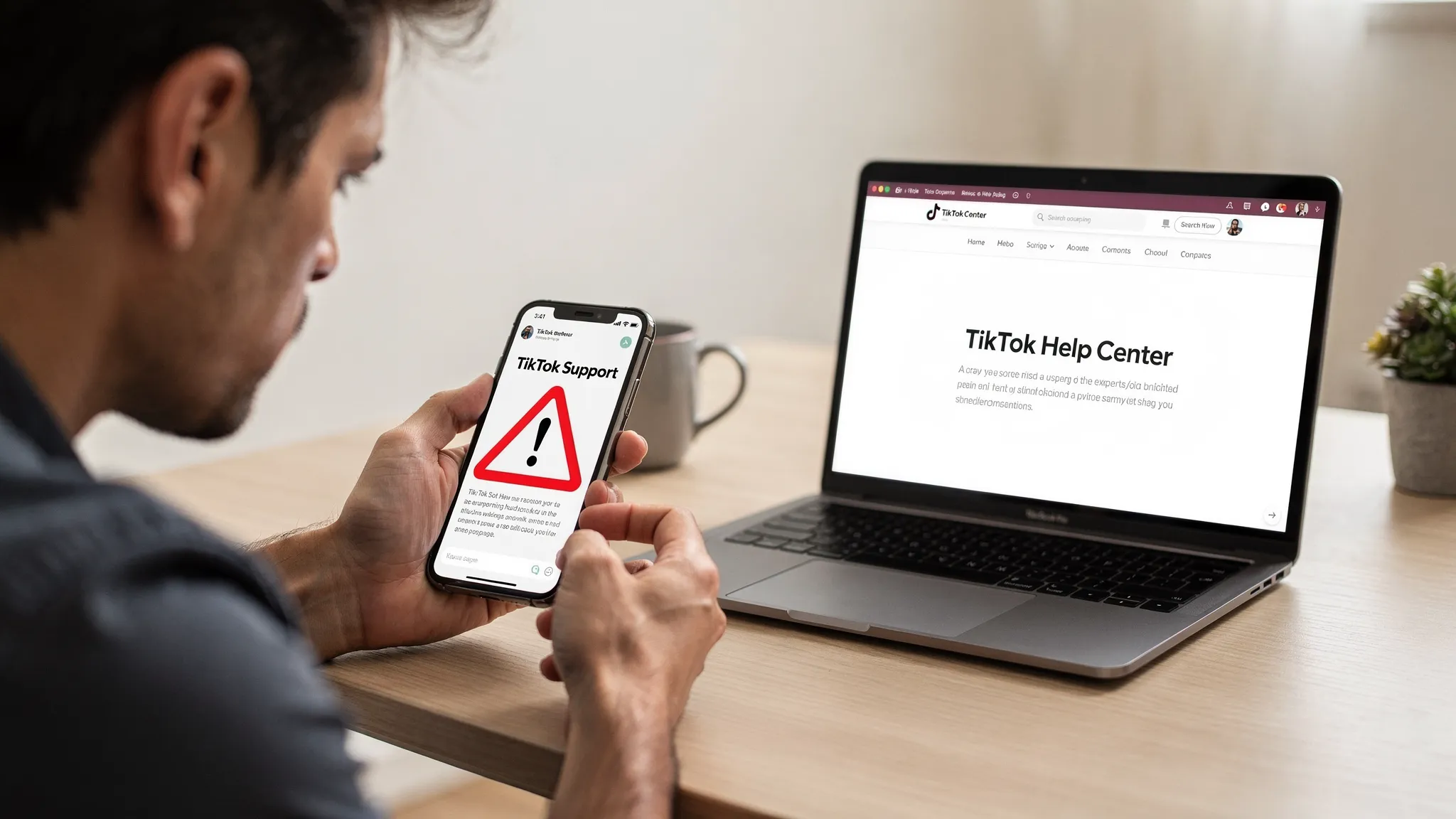
Here’s the reality: for most users and most issues, TikTok does not provide a public phone number for support. And that gap is exactly why “TikTok support number” scams have exploded.
This guide breaks down what official TikTok support options actually exist, what a scam looks like, and what to do to get help quickly without getting your account (or money) stolen.
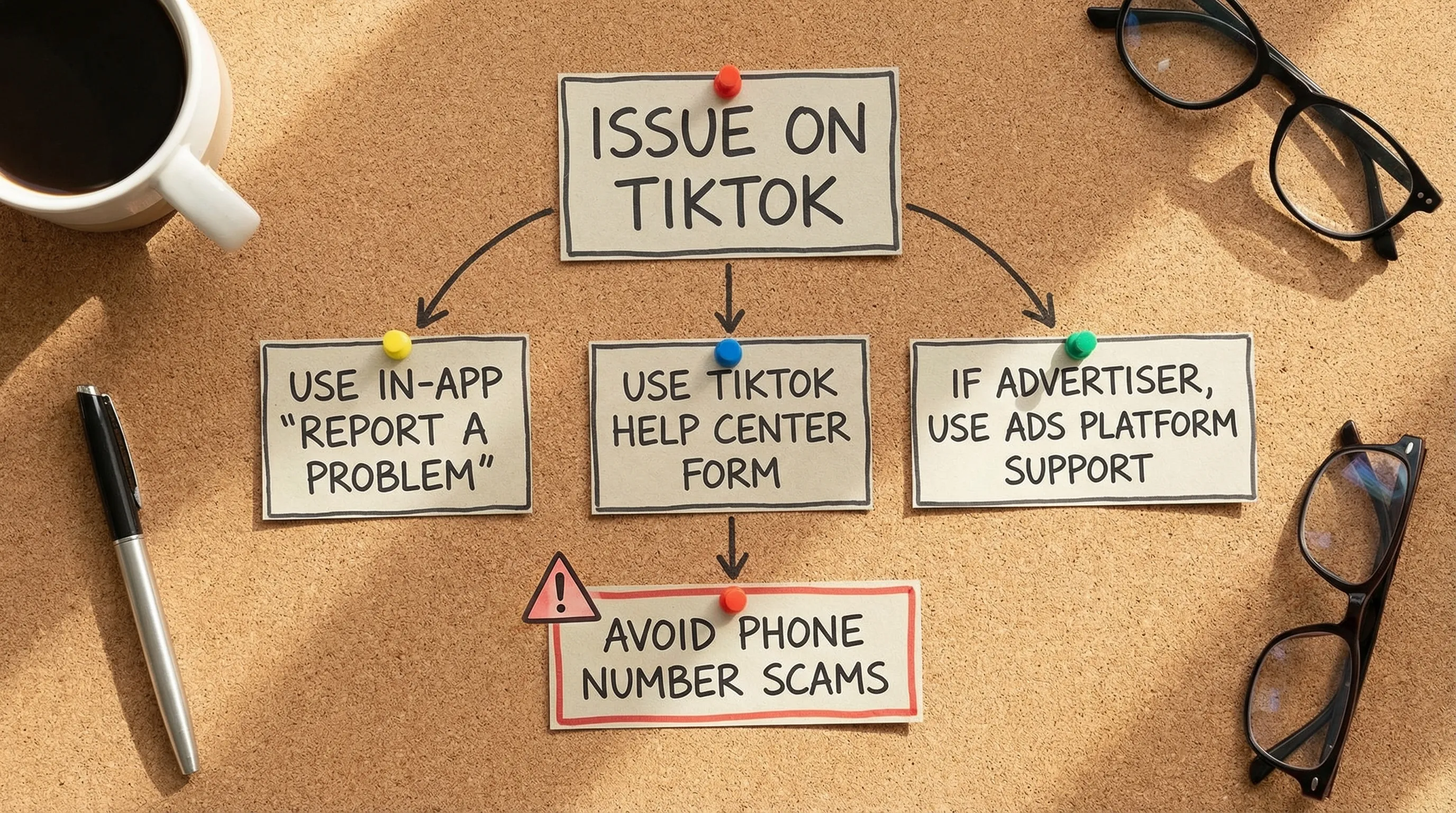
For the general public, no, there is not a reliable, official TikTok customer support phone line you can call for account recovery, bans, payments, or moderation decisions.
TikTok’s official support is primarily handled through:
If you see a phone number in:
…assume it is not TikTok unless you can validate it via an official TikTok-owned property (like the in-app Help flow or a TikTok-owned domain).
For reference, TikTok’s official help hub is the TikTok Help Center.
TikTok does offer real support, just not in the form most people expect (a call center). The fastest legitimate route depends on the category of your problem.
If you can still access the account, the in-app flow is usually the most direct.
In the TikTok app, go to:
From there, TikTok routes you through issue categories and, for many topics, gives you a way to submit more details.
Why this matters: scammers can spoof phone numbers and emails. It is much harder to spoof the in-app reporting path tied to TikTok’s own infrastructure.
If you’re locked out, you may need web forms from TikTok’s Help Center to report:
Start at the official hub: TikTok Help Center.
Practical tip: when you submit any web form, save screenshots of what you submitted, plus timestamps. If you are an agency or brand, treat it like a support case log.
If you run paid campaigns, TikTok’s ads products typically provide more structured support options inside the ads platform (availability varies by region, spend, and account status).
Important: this is not the same as a universal “TikTok support number” for consumer accounts. It’s product support for advertisers.
Commerce products (like TikTok Shop in supported regions) may include their own support paths inside seller portals.
Again, the key concept is product-specific portals and tickets, not a public phone hotline.
When a platform is huge and stressful issues are common, scammers fill the gap.
TikTok is large enough that the “support scam” economics work. TikTok has reported over a billion users globally, which means even a tiny scam conversion rate is profitable.
Scammers exploit two things:
They also exploit brand trust by using:
For general context on how these fraud patterns work, the FTC has an overview of common imposter scams.
A real TikTok support interaction does not look like “tech support for your laptop.” If you see these patterns, stop.
If someone asks you to read them a login code, they are often trying to:
TikTok (and legitimate support teams generally) do not need your one-time code to help you.
Remote access apps are a classic support scam tool. Once installed, attackers can:
Common scam payment methods:
TikTok does not charge a fee to restore your account.
If you receive an unsolicited call, DM, or email claiming to be TikTok support, treat it as untrusted. Real escalations usually start from a case you submitted.
Be skeptical of emails coming from:
When in doubt, do not continue the conversation. Go back to the app and initiate support yourself.

Below are practical, low-risk next steps that work for most founders, agencies, and growth teams.
Your priorities are to stop further damage and create a clean paper trail.
Operational tip for teams: if multiple people had access, document who had credentials, what tools were connected, and the last known “clean” login.
Be careful with anyone promising a “guaranteed unban” over the phone. That is one of the most common fraud hooks.
What you can do:
If you’re running campaigns at scale, also treat this as a risk management problem, not a one-off support issue.
This is where “support number” searches tend to spike because one failure can break a whole pipeline.
Common failure modes include:
If your growth model depends on publishing across countries, your best “support” is preventing the issue in the first place with the right infrastructure.
Support is slow on every major platform. The teams that win internationally build systems that reduce enforcement risk and operational chaos.
Here are practices that consistently help:
VPN usage is a common trigger for restrictions, inconsistent reach, and account trust issues, especially at scale.
If you need to post organically into multiple countries, use real, geo-verified accounts instead of trying to spoof location signals.
When something breaks, speed matters. Have a checklist ready:
If your real problem is not “how do I call TikTok,” but “how do I operate TikTok across markets without constant fires,” you need infrastructure, not guesswork.
TokPortal is built for brands and agencies that want to scale organic TikTok and Instagram globally without the fragile DIY stack:
If you’re building a repeatable multi-market content engine, start with the TokPortal Quick Guide, review pricing, or go straight to sign up.
For more playbooks on global organic growth, browse the TokPortal blog.
If you want to scale organic reach across countries with less friction, start from the source: TokPortal.

 Any question? Contact us.



%401x.svg)