


Sign in with Google
Getting a real human at TikTok to read your ticket can feel harder than going viral. The app pushes creators toward automated forms, but there are still working TikTok support email addresses—if you know when and how to use them. Below you’ll find proven templates, a pre-send checklist, and an escalation ladder that agencies, brands, and power creators rely on in 2025.
TikTok routes most user issues through in-app forms because it auto-classifies tickets with machine learning. Direct email makes sense only when:
- The platform has locked you out and you can’t reach the “Report a Problem” console.
- Large ad budgets, creator payments, or IP takedowns are involved (these are triaged by specialized business teams).
- A prior ticket has been marked “resolved” with a generic bot reply and no appeal button.
- You must attach legal documents (court orders, GDPR or CCPA requests, invoices) that the in-app flow can’t accept.
If none of the above applies, you’ll usually get a faster answer inside the app. Otherwise, prepare your evidence and move to the next section.
TikTok changes aliases often, but the following inboxes are still confirmed by the creator community and recent corporate filings:
- business-services@tiktok.com — General business and agency inquiries.
- creators@tiktok.com — Creator Marketplace payment or contract issues.
- ads-support@bytedance.com — Ad account billing, disapprovals, and refunds (use the linked business ID in subject line).
- privacy@tiktok.com — Data access, GDPR, or CCPA requests.
- ip@tiktok.com — Copyright and trademark takedowns or counter-notices.
- legal@tiktok.com — Service of process and court-ordered requests.
⚠️ Be wary of Telegram or Discord sellers promising “priority” contacts. Phishing for login cookies is rampant. Always verify the domain ends in @tiktok.com or @bytedance.com.

1. Gather IDs: username, profile URL, associated email, phone number, and business center ID.
2. Screen-record the problem or download the PDF invoice if it’s a billing dispute.
3. Export TikTok analytics (CSV) for the dates in question.
4. Zip all attachments under 20 MB so corporate filters don’t block them.
5. Write a concise subject line ("URGENT – Ads Account 7123456 Double-Charged $4,216 on Nov 10, 2025").
6. Send from the email tied to the TikTok account. Aliases are deprioritized by the spam filter.
Copy, personalize, and paste. Bracketed fields indicate where to add your specifics.
Subject: URGENT – Suspension Appeal for @Handle (612345678) on Nov 11 2025Hello TikTok Trust & Safety Team,
My account @Handle was permanently suspended on [date] for "multiple Community Guidelines violations." I believe this decision was made in error because:
1. The flagged video (link below) shows no minors, nudity, or dangerous acts.
2. I have a clean record (0 strikes) over three years and 450 uploads.
Evidence and supporting screenshots are attached. I respectfully request a manual review and reinstatement.
Video link: https://www.tiktok.com/@handle/video/123456789
Ticket ID (in-app): 2025111109876
Thank you for your time. Please let me know if you require further information.
Best regards,
[Name]
[Phone]
Subject: Incorrect Charges — Ads Account 7123456 — November 2025 InvoiceDear Ads Support,
Our company was charged $4,216 on Nov 10, 2025 after the ads account was suspended (see in-app ticket #A-56789). The balance should have been refunded per TikTok Ads T&C §4(b).
Attached:
- PDF invoice & credit-card statement
- Logs showing the campaign paused before suspension
Kindly confirm refund initiation or outline next steps.
Sincerely,
[Name]
[Company] – TikTok Business Center ID 123456
(For background on TikTok’s policy of withholding unused balances and what to do next, see our analysis “TikTok Ads Steal the Money If Account Is Suspended.”)
Subject: DMCA Counter-Notice for Video ID 123456789To the Intellectual Property Operations Team,
I, [full name], resident at [address], state under penalty of perjury that the content removed on Nov 7, 2025 does not infringe the claimant’s copyright. I believe the takedown was filed in error because [brief argument].
I consent to the jurisdiction of the Federal District Court for my district and will accept service of process at the address above.
Please restore the content promptly.
Signed,
[Digital signature]
Subject: Overdue Payment – Creator Marketplace Contract #CM-998877Hi Creator Support,
The $12,000 payment for collaboration CM-998877 (brand: GlowSkin) is now 15 days past the contract deadline.
Attachments:
- Executed contract PDF
- Delivery confirmation screenshots
Please confirm remittance or provide an updated timeline.
Best,
[Name]
Subject: Bug Report – Comment Section Blank on iOS 18.1Device: iPhone 14 Pro, iOS 18.1, TikTok app 34.7.2
Repro steps:
1. Open any video under #BookTok
2. Tap comments
3. Pane loads empty (see attached video)
Cache cleared, app reinstalled; issue persists. Friends on Android unaffected.
Regards,
[Name]
TikTok’s SLA is unofficially “one business week,” but tickets can vanish. Follow this ladder until someone replies:
1. 48-Hour Follow-Up
Reply to your original thread with “gentle reminder.” Do not open a new ticket unless the bounce says mailbox full.
2. In-App Live Chat (Business Center)
Ad spend over $5k/month unlocks a chat bubble. Paste the email thread ID.
3. @TikTokSupport on X (Twitter)
Publicly reference your ticket ID; the social team can poke internal owners.
4. LinkedIn Outreach
Search “TikTok Client Solutions Manager” plus your region. A polite DM with the ticket ID sometimes triggers an internal tag.
5. Regulatory or Payment Escalation
• EU: file with your national consumer authority or use the EU’s ODR platform.
• US: submit a Better Business Bureau complaint.
• Credit-card chargeback for fraudulent ad charges (last resort).
6. Legal Notice
Send a formal letter to legal@tiktok.com and the registered agent (addresses vary by country). Include a seven-day cure period.

- Keep messages under 200 words; TikTok’s support CRM truncates long bodies.
- Insert numbered lists so teams can skim.
- Avoid attachments in .rar or .heic formats—use .zip and .png.
- Move the most damning evidence to the top of the attachment stack; frontline reps open only the first two files.
- CC only one additional address (your lawyer, agency lead); wider CCs trigger privacy holds.
- Track emails in a shared spreadsheet with columns: date, issue, last reply, next action. This is vital for agencies managing dozens of accounts.
TokPortal’s dashboard automatically logs email ticket IDs alongside each localized account so your team never misses a follow-up. If you juggle more than five handles, consider consolidating support tracking there.
Waiting weeks for an appeal can paralyze growth, especially when a single region drives most of your leads. Brands using TokPortal reduce risk by:
- Splitting campaigns across multiple local accounts, so one suspension doesn’t nuke global reach.
- Testing new content on secondary markets first, catching guideline triggers before a main-market launch.
- Backing up original videos and analytics inside the TokPortal library for audit trails.
For broader strategies on minimizing bans, see “VPNs vs. TokPortal: Which Method Actually Works for Global TikTok Growth?”
1. Email support is slow but essential for suspensions, billing, IP, and legal matters.
2. Use precise subjects, attach hard evidence, and reference internal ticket IDs.
3. Follow a structured escalation ladder: follow-up, live chat, social, regulatory, legal.
4. Prevent single-point failures by diversifying accounts and markets—TokPortal makes that painless.
---
Stop losing revenue while waiting for a form reply. Open a TokPortal account today and regain control of your TikTok destiny—create localized profiles, track support tickets, and keep posting even if one market goes dark. Book your free demo now.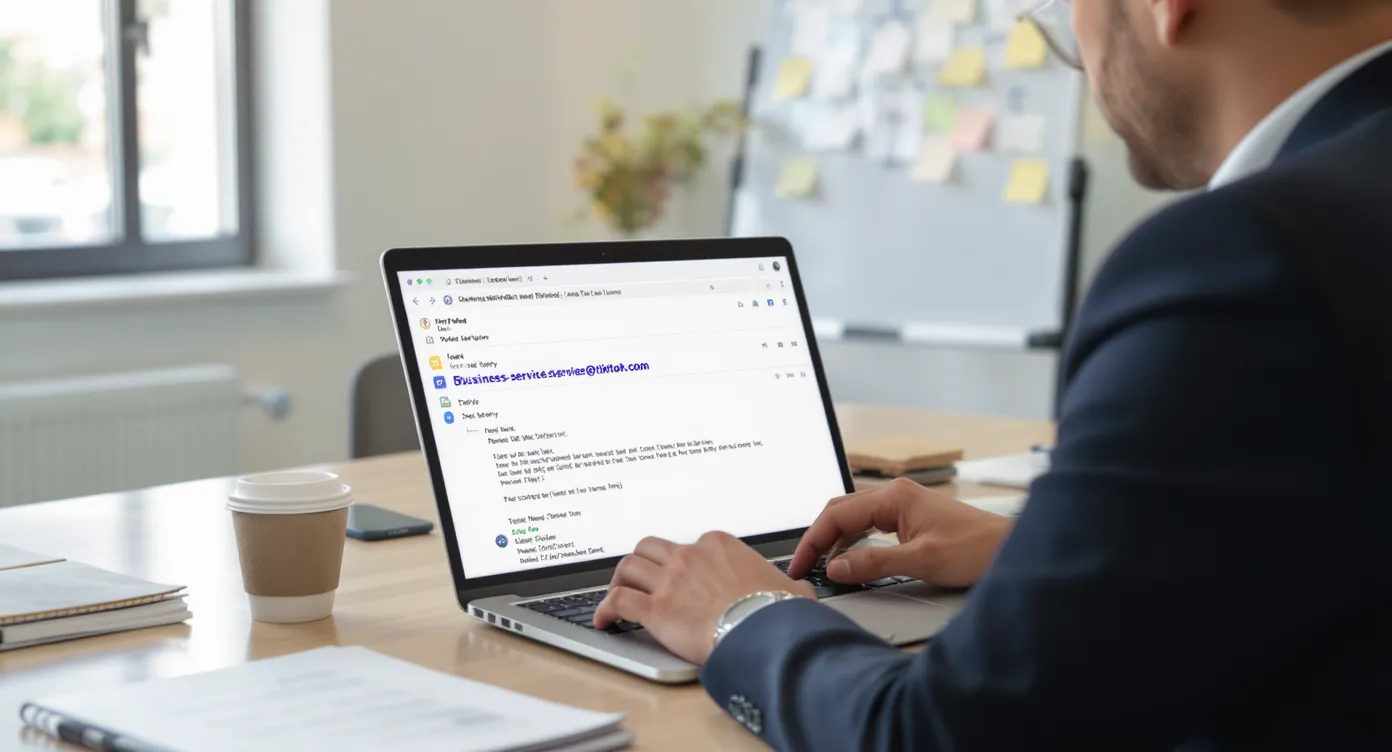

 Any question? Contact us.



%401x.svg)