


Sign in with Google
When you work as a TikTok manager, “just log in and post” is not the job. The real job is keeping accounts stable, recoverable, and trustworthy to TikTok’s security systems while you publish consistently.
For TokPortal managers, safe access matters even more because you may support multiple localized accounts and handle time-sensitive posting schedules. One sloppy login (a phishing link, a reused password, a random device) can lead to lockouts, verification loops, or in worst cases, an account takeover.
This guide breaks down practical, manager-friendly steps to log in to TikTok safely, reduce security flags, and protect the accounts you work on.
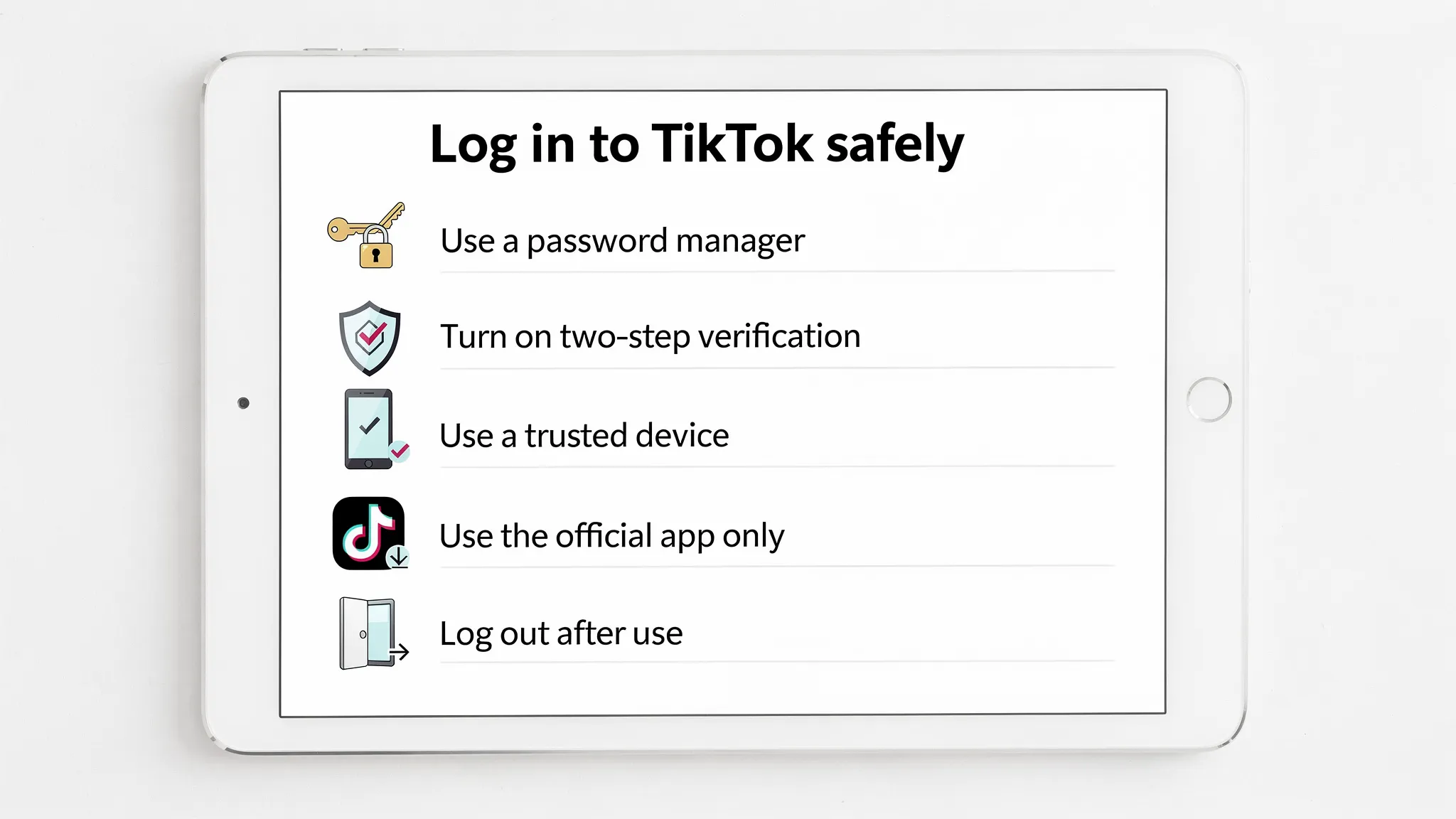
Safe login is not only about preventing hackers. It is also about preventing avoidable triggers that make TikTok distrust the session.
For managers, a safe login process should achieve three outcomes:
TokPortal’s platform is built to simplify global TikTok operations (secure account management, scheduling, and dashboard management). Your goal as a manager is to follow a security routine that keeps those accounts healthy long-term.
When you log in to TikTok, only do it through:
Phishing is still the most common way accounts get stolen, and managers are high-value targets because they work across multiple accounts.
Practical checks before entering credentials:
TikTok also documents its security and account protection features in its Help Center and Safety resources. Start here for official guidance on account security: TikTok Safety Center.
Account compromises often start with the device, not TikTok.
Use a “clean” environment for management work:
If you manage accounts on a shared computer, create a dedicated user profile just for this work. Shared browser sessions and saved passwords are a common source of accidental leaks.
A “strong password” is not a clever password. It is a password that cannot be guessed, reused, or leaked from another site.
Manager-grade password practices:
Why this matters: credential stuffing attacks (where leaked passwords from other services are tested on TikTok) still work when people reuse passwords.
If you want a widely accepted baseline for password policy thinking, NIST’s guidance emphasizes length and avoiding reused passwords over complexity rules: NIST Digital Identity Guidelines.
TikTok supports additional verification methods to protect logins. As a manager, you want 2SV enabled because it blocks most takeover attempts even if a password leaks.
Key principles for managers:
TikTok’s Help Center has official instructions for features like two-step verification and device/security management. Use TikTok’s official support documentation for the latest settings and options: TikTok Help Center.
Even if you are a legitimate manager, TikTok may challenge logins that look abnormal. Common triggers include:
If your workflow involves global accounts, it is especially important not to “stack” suspicious signals. TokPortal’s approach is designed around native reach on real For You Pages, which is the opposite of VPN-driven spoofing. As a manager, align your behavior with that philosophy.
Manager tip: if you have a standard device you use for work, keep it consistent. Consistency reduces friction.
If someone messages you “send me the code you just received,” treat it as a major red flag.
Common manager-targeting scams:
A one-time verification code is effectively a key to the account. If you share it, you may be approving someone else’s login.
If you receive a code you did not request, assume someone has the password and is attempting access. Go straight to incident response (see below).
After you log in to TikTok (especially for an account you do not access daily), take 30 seconds to verify:
This “post-login audit” is a manager habit that prevents long-term problems.
TokPortal managers often care about speed, and that is fair, but speed without verification is how small issues become account losses.
Persistent sessions are convenient, but they increase exposure if a device is lost, borrowed, repaired, or compromised.
Good rules of thumb:
A practical security strategy is reducing how often you need to directly log in to TikTok at all.
TokPortal is built for managing posting operations (for example, scheduling and uploading videos with secure account management). In general, fewer direct logins means:
As a manager, follow the platform’s operational process and only access TikTok directly when the task truly requires it.
Speed matters when an account is at risk. Here is a manager-friendly response sequence.
Immediately:
Then:
For general anti-phishing best practices, the FTC maintains clear, practical guidance: FTC: How to recognize and avoid phishing scams.
Assume the password is compromised.
TokPortal includes email support, which is a key resource when you need to coordinate quickly without improvising.
Use this as a pre-flight check before you log in to TikTok for work:
Is it safe to log in to TikTok on public Wi-Fi? It is safer to avoid public Wi-Fi for account management. If you must use it, do not share codes, do not save passwords in the browser, and consider waiting until you are on a trusted network to complete sensitive actions like password changes or recovery updates.
Why do I keep getting “unusual login” warnings on TikTok? Common reasons include switching devices frequently, changing networks often, logging in from different regions, or using tools that TikTok associates with abuse patterns. Keep your work device consistent and avoid VPN-based workflows.
Should a manager ever ask for the verification code? In general, no. Treat one-time codes as highly sensitive. If a process requires code handling, it should be formal, documented, and aligned with the account owner’s security plan, not requested casually over chat.
What is the safest way to store TikTok passwords when managing multiple accounts? Use a reputable password manager. Avoid spreadsheets, notes apps, screenshots, or sending credentials through DMs, email threads, or chat apps.
If I only post videos, do I really need to worry about TikTok security? Yes. Posting roles are often targeted because attackers can still change email/phone details, swap payout information in connected systems, or use the account to run scams. Strong login hygiene is part of being a trusted manager.
TokPortal managers are valuable because they keep posting operations consistent and reliable across local accounts. If you want remote work supporting real organic TikTok growth (without bots and without sketchy VPN tactics), being disciplined about account access is one of the fastest ways to stand out.
Learn more about TokPortal and reach out to join the manager workflow at TokPortal.


 Any question? Contact us.



%401x.svg)