


Sign in with Google
If you have ever tried to spin up a U.S.‑targeted Instagram account while living abroad, you have seen the same pattern. The app nudges you for a local phone number, your reach gets stuck in your home region, and the Reddit tricks that promise instant U.S. visibility end in rate limits or shadow suppression. The good news is you can complete Instagram sign up with email, skip the phone line, and still end up with a U.S.‑ready account. The key is understanding Instagram’s registration signals, removing low‑trust flags, and warming the account correctly during the first two weeks.
This playbook is written for operators and platform managers who create and maintain accounts at scale. Use it as a repeatable, SIM‑free process to set up and hand off U.S.‑ready profiles for clients, brands, and creators.

U.S.‑ready does not mean you flipped a switch in settings. Instagram does not expose a single country toggle that guarantees distribution. Instead, the system leans on a cluster of signals, then tests your content with small batches of likely viewers. When enough of those signals point to the U.S., your initial test audiences, recommendations, and Explore exposure skew American.
Important signals you can influence legitimately:
Instagram has shared how ranking relies on signals and predictions, although not all are public in detail. See Instagram’s overview of ranking and recommendations for background on how content is surfaced to people who do not follow you yet. For a general primer, Instagram’s own explainer on how ranking works is helpful, and Meta’s recommendations guidelines outline what is eligible to be recommended to wider audiences.
Follow this sequence to avoid phone prompts and build early trust without a SIM.
This is the most underrated piece. Do not rely on commodity VPNs or datacenter IPs. Either be physically in the U.S. on normal home or mobile internet, or have a trusted U.S. teammate perform the initial signup and warm up on your behalf.
Days 1 to 3, browse Reels and Explore for 10 to 15 minutes, follow 10 to 20 relevant U.S. accounts, and save a few posts in your niche. Like and comment authentically on U.S. creators. Avoid automation, bulk actions, or rapid follows.
Days 4 to 7, publish 2 to 4 Reels with U.S.‑relevant micro hooks, post in U.S. prime time windows, and keep replies natural. Aim for completion rate, saves, and shares over raw volume.
Email is just one input. Without U.S. signals at registration and during early sessions, Instagram will test your posts in the region that matches your IP and behavior. If you sign up abroad, then immediately try to force U.S. reach with hashtags or mass follows, you get flagged as low quality or inauthentic. You will still be visible to some non‑followers, but your test buckets will be local at first, which makes it harder to collect the right engagement signals for a U.S. pivot.
If you want a deeper look at why VPN‑style solutions fail for global short‑form growth, see our breakdown on TikTok methods and why native, in‑country signals outperform spoofing. The same principle applies on Instagram. VPNs vs. TokPortal: Which Method Actually Works for Global TikTok Growth?
Here is the field‑tested flow teams use to get reliable U.S. distribution without buying a SIM.
Register and warm up in a U.S. environment, even if you are abroad. Either travel or collaborate with a trusted U.S. operator for the first 7 to 14 days. Keep IP, timezone, and usage consistent.
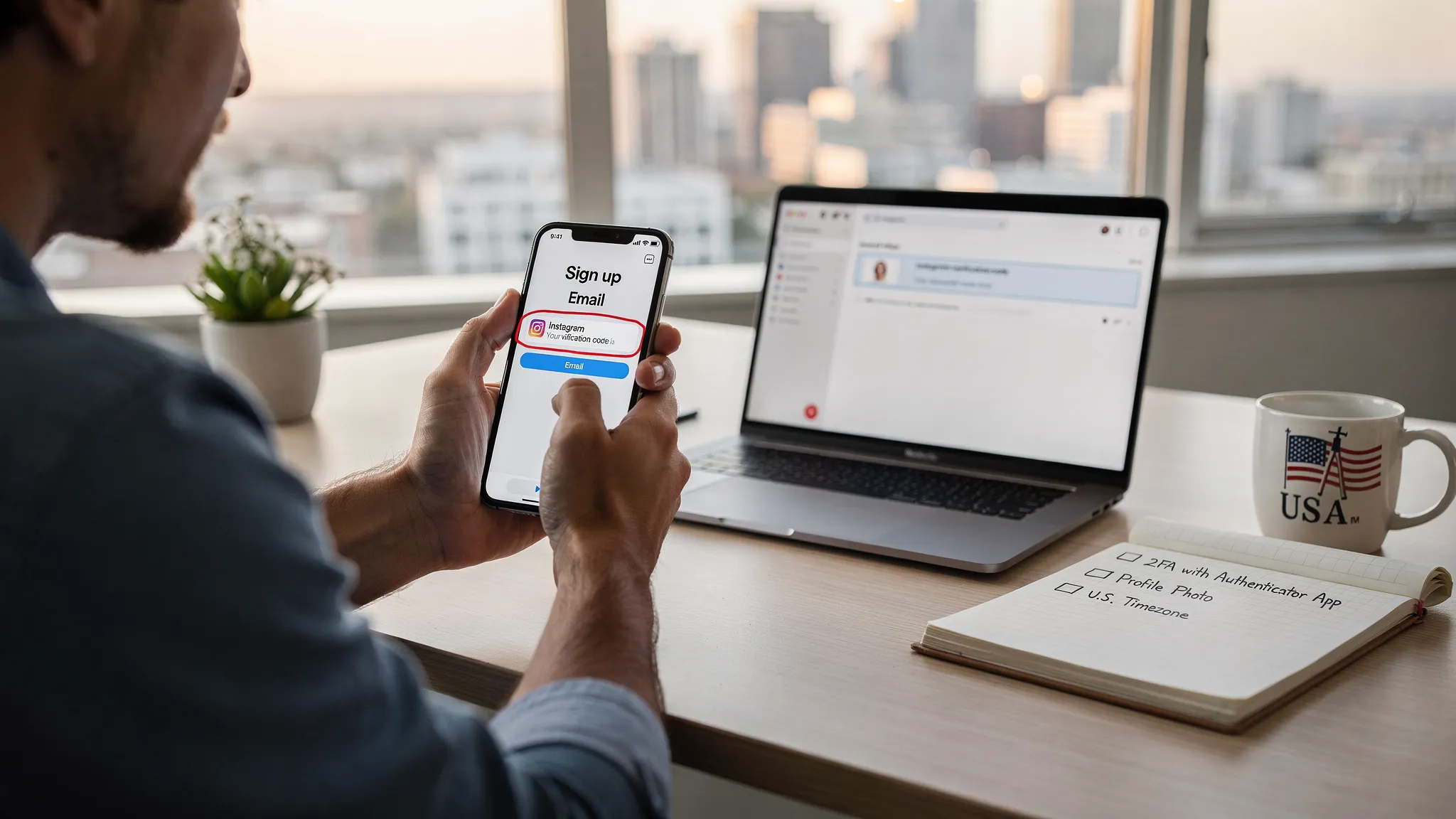
Use email plus authenticator 2FA from day one. This reduces the odds that Instagram will require a phone add‑on mid‑flow.
Build a small U.S. graph before you ask for U.S. reach. Follow niche‑relevant American accounts, engage with them, and aim for real comment exchanges. A handful of early U.S. commenters is a powerful cue when your first Reels go live.
Post at U.S. prime times and use U.S.‑native references. East Coast windows commonly work, 7 to 10 pm ET weekdays, weekend mid‑mornings. Use culturally relevant hooks, captions, and sounds. Avoid recycled content watermarks.
Keep the device and network stable for two weeks. No sudden hops to different countries. Avoid parallel logins on datacenter proxies or remote desktops that add strange device fingerprints.
When you hand off to a non‑U.S. team member, do it gradually. Add them as an additional login on the same device first, then move to their device only after the account shows stable U.S. audience signals. Keep authenticator codes updated.
Compliance reminder, do not misrepresent business information, spoof identities, or use hacked devices. This process uses normal platform features and emphasizes consistent, human behavior.
Day 1, Register by email in the U.S., set 2FA with an authenticator app, complete minimal profile, follow 10 to 20 niche U.S. accounts.
Day 2, Browse and save content for 10 minutes, leave 5 to 10 thoughtful comments on U.S. posts, no posting yet.
Day 3, Post Reel 1 with a U.S. micro hook and a location sticker. Reply to every comment within one hour.
Day 4, Light browsing, reply to DMs, no new follow bursts.
Day 5, Post Reel 2, aim for 8 to 15 second length, strong first 2 seconds, and a saveable tip. Share to Story with a U.S. city sticker.
Day 6, Comment on 5 U.S. creators in your niche, save 3 posts, no follow bursts.
Day 7, Post Reel 3, consider a Collab tag with a small U.S. creator who already engages with you.
Day 8 to 10, One post, one Story per day. Keep U.S. time windows.
Day 11, Post Reel 4, test a different hook angle.
Day 12 to 14, Maintain replies within the first hour, comment on 5 to 10 U.S. posts daily.
Signals to watch in Insights once available, top audience cities and countries, non‑follower reach from the U.S., saves and shares per Reel, and average watch time. A meaningful early milestone is seeing U.S. appear in your top locations and at least 30 to 50 percent of non‑follower reach coming from U.S. viewers on one or two posts.
If you run social growth for clients, build this into your onboarding SOP. Offer SIM‑free, U.S.‑ready Instagram account creation with clear timelines, security policies, and performance checkpoints. Pair it with short‑form content ops that already work for U.S. audiences, hooks, edits, and posting windows. If you like operating at scale across markets, TokPortal works with remote managers who help us run multi‑country short‑form programs. Explore how we operate and reach out if you want to collaborate. TokPortal
The bottom line, Instagram sign up with email is enough to create a U.S.‑ready account, as long as the environment, early actions, and handoff are executed with care. Focus on authentic U.S. signals, keep the device and network stable, and prioritize content that earns saves and rewatches. Do this for two weeks and you will reliably break into American test buckets without ever buying a SIM.

 Any question? Contact us.



%401x.svg)